
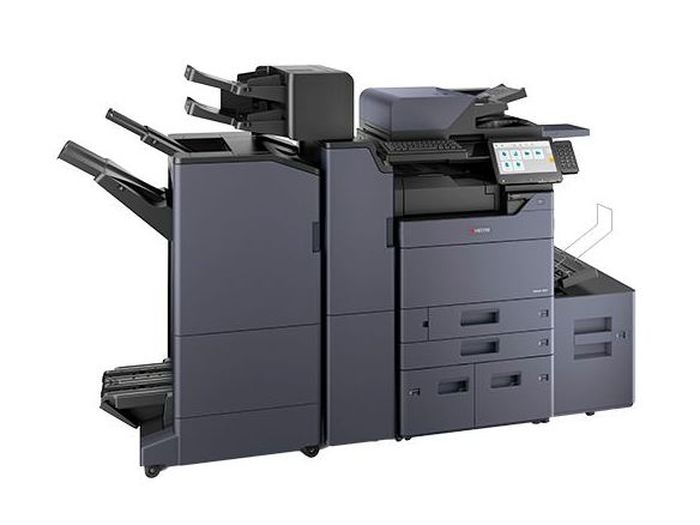
Kyocera TASKalfa 356ci Cartridges
We have 3 cartridges available for the Kyocera TASKalfa 356ci, starting from $57.52.
Series: TASKalfa
Compatible Cartridges for Kyocera TASKalfa 356ci
Frequently Asked Questions: Kyocera TASKalfa 356ci
What cartridge does the Kyocera TASKalfa 356ci use?
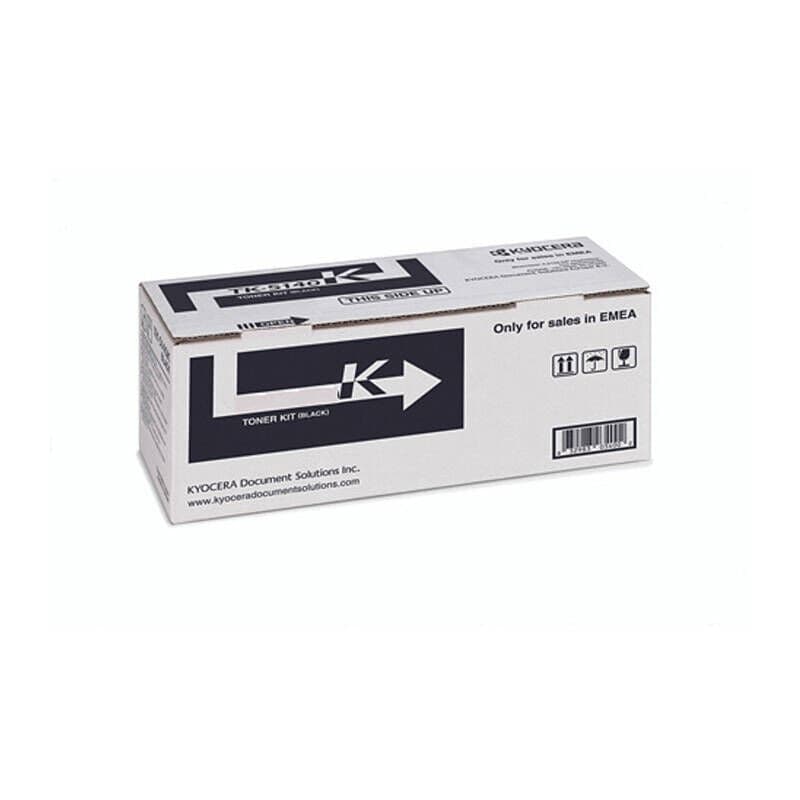
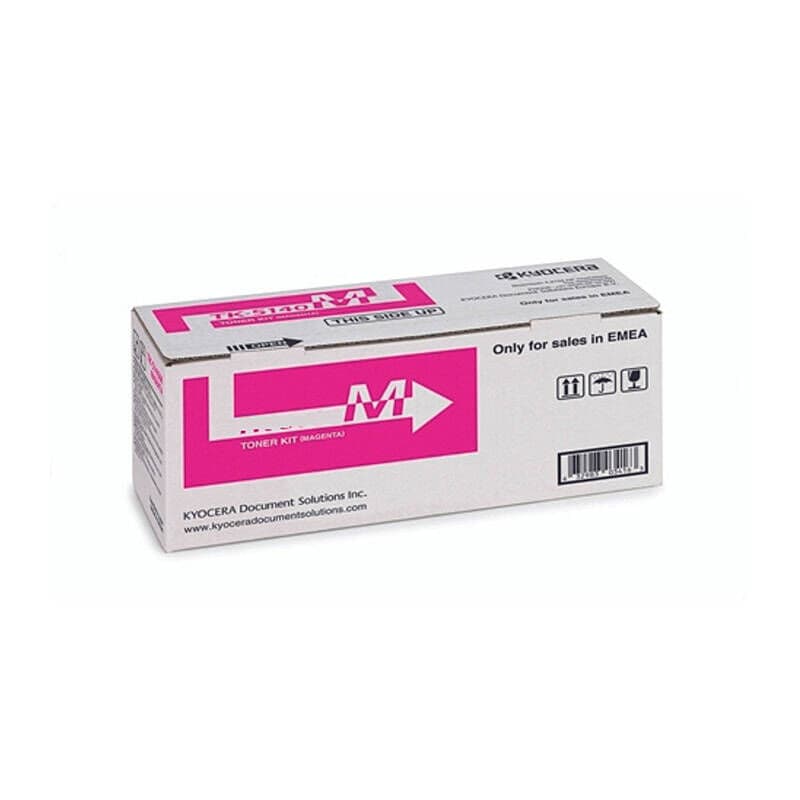
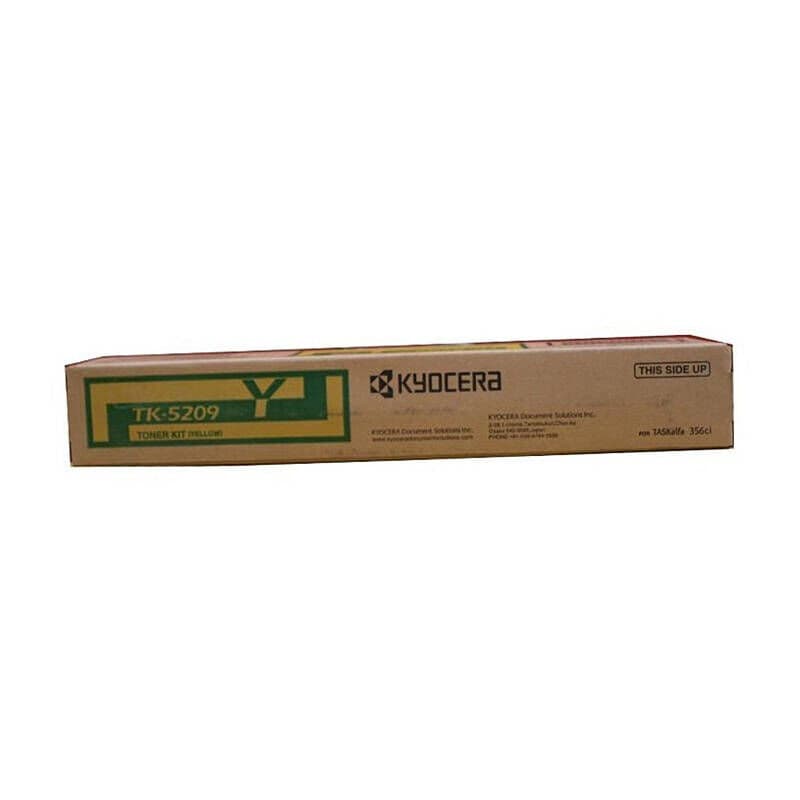
We stock 3 cartridges for the Kyocera TASKalfa 356ci, from $57.52. Each one is listed below with its model number.
Is there a compatible alternative for Kyocera TASKalfa 356ci cartridges?
Not at the moment: we stock genuine Kyocera cartridges for this printer. Contact us and we'll check whether a compatible is available.
Will compatible cartridges void my Kyocera TASKalfa 356ci warranty?
No. In Australia, Kyocera can't refuse a warranty claim just because you used a compatible cartridge. They would have to show that the cartridge itself caused the fault.
How many pages can I print with Kyocera TASKalfa 356ci cartridges?
Page yield varies by cartridge type. Standard cartridges typically print 1,000 to 3,000 pages, while high-yield cartridges can print 3,000 to 10,000 or more. Check individual product listings for specific page yields. Actual results depend on coverage and print settings.
How do I install cartridges in my Kyocera TASKalfa 356ci?
Open the front cover or cartridge access door on your Kyocera TASKalfa 356ci. Remove the old cartridge by pressing the release lever. Unpack the new cartridge, remove the protective seal/tape, and gently rock it side to side to distribute the toner. Insert the new cartridge until it clicks into place, then close the cover.
Other Kyocera TASKalfa Printers
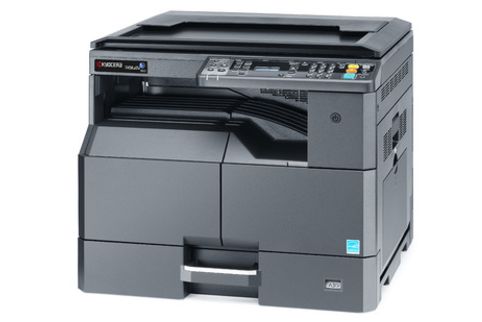
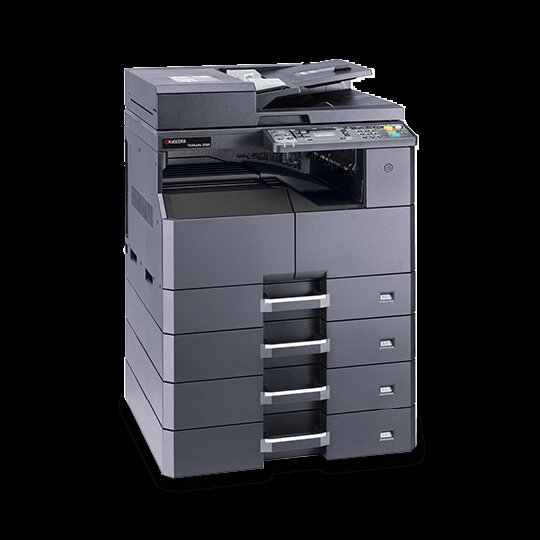
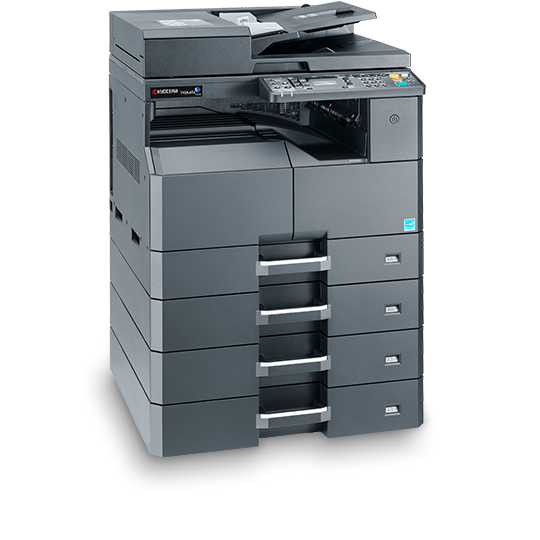
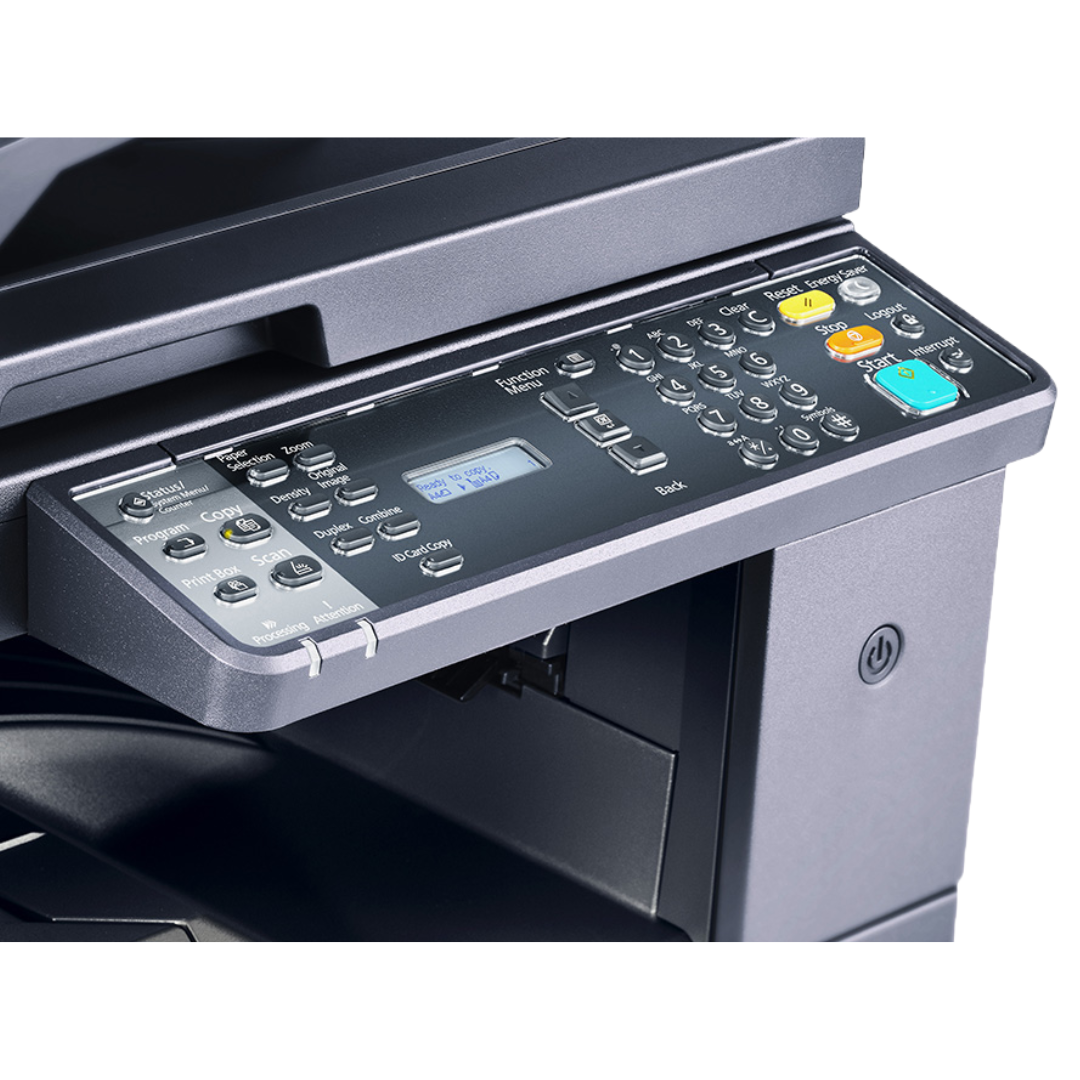
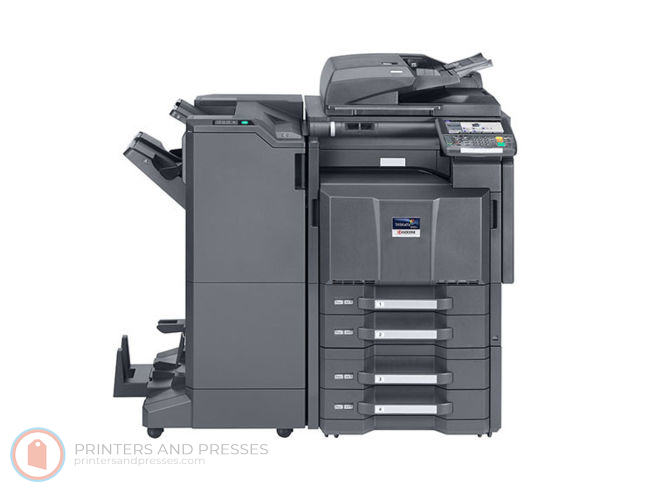
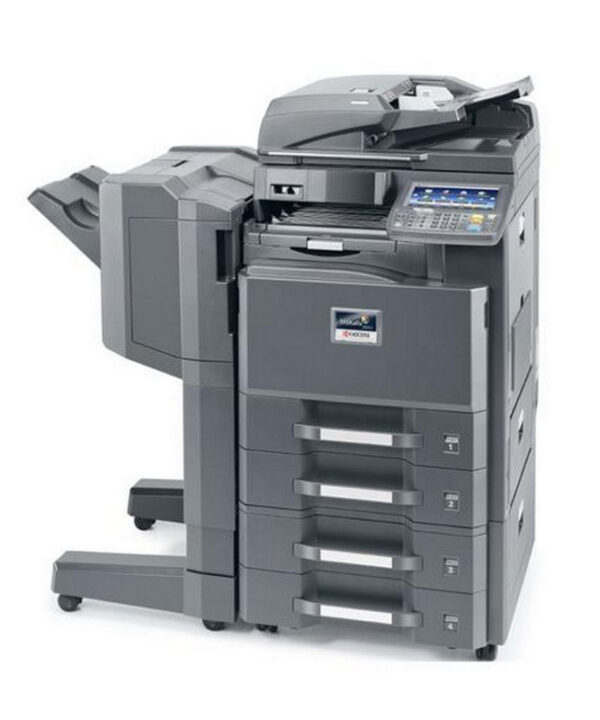
About Kyocera TASKalfa 356ci Cartridges
Need cartridges for your Kyocera TASKalfa 356ci? Every one we stock for it is listed above, with its model number. Our genuine Kyocera cartridges carry Kyocera's own warranty.
Faulty? We'll replace it or refund you. Delivery is $18 anywhere in Australia, or free from $250, dispatched from warehouses in Perth and the eastern states. FetchInk is owned and run in Perth, WA.
Not sure which cartridge you need? Use our Printer Finder tool or contact our friendly team for help.