
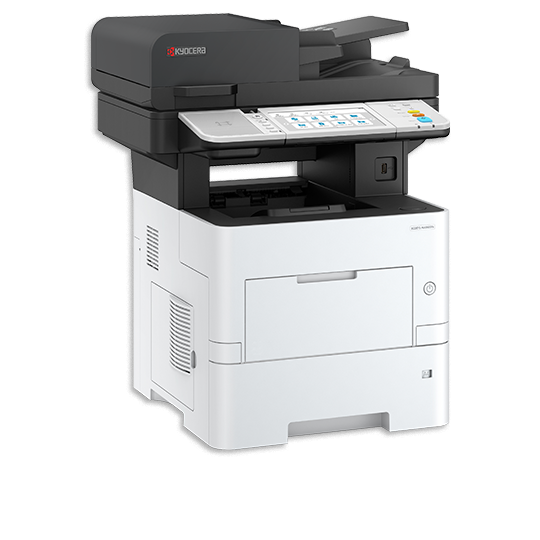
Kyocera ECOSYS MA4500cifx Cartridges
We have 13 cartridges available for the Kyocera ECOSYS MA4500cifx, starting from $32.25. Both genuine and compatible options available.
Series: ECOSYS
Compatible Cartridges for Kyocera ECOSYS MA4500cifx
💰 Compatible CartridgesGreat value

Compatible
Compatible WBK5494 Cyan Cartridge
$32.25
Compatible
Compatible WBK5494 Magenta Cartridge
$32.25
Compatible
Compatible WBK5494 Black Cartridge
$32.25
Compatible
Compatible WBK5494 Yellow Cartridge
$32.25
Compatible
Compatible Kyocera TK5494 Complete Colour Set (4 Cartridges)
$126.06
✅ Genuine Kyocera Cartridges
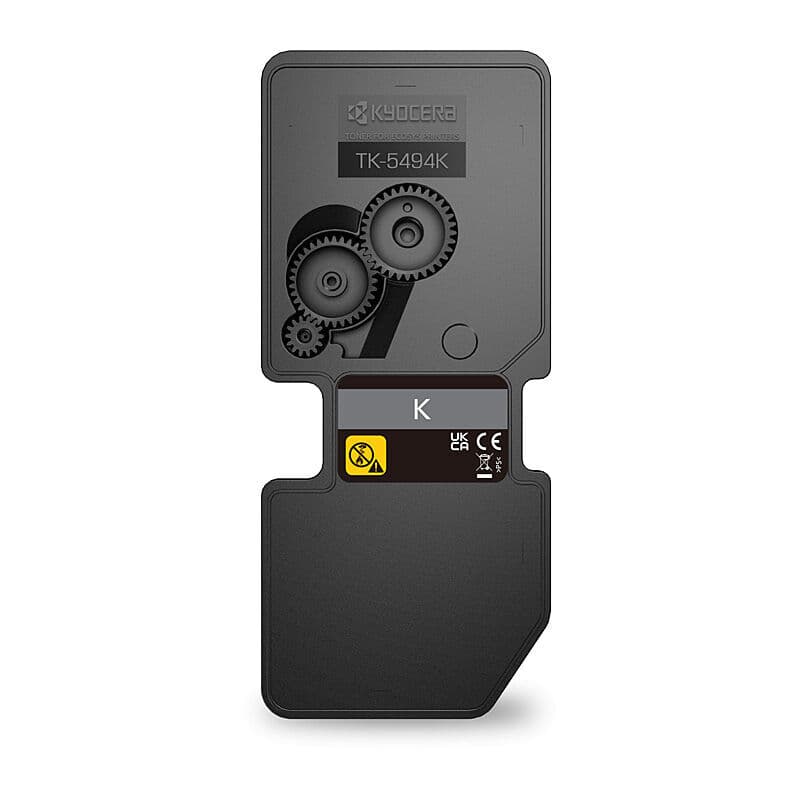
Kyocera
Kyocera TK5494 Black Toner
$117.47
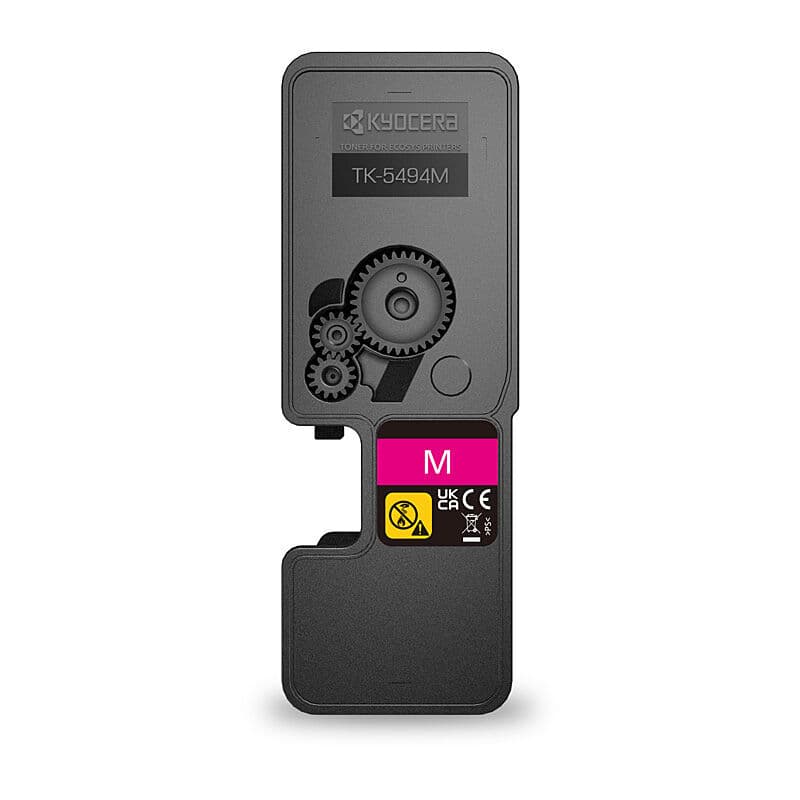
Kyocera
Kyocera TK5494 Magenta Toner
$173.63
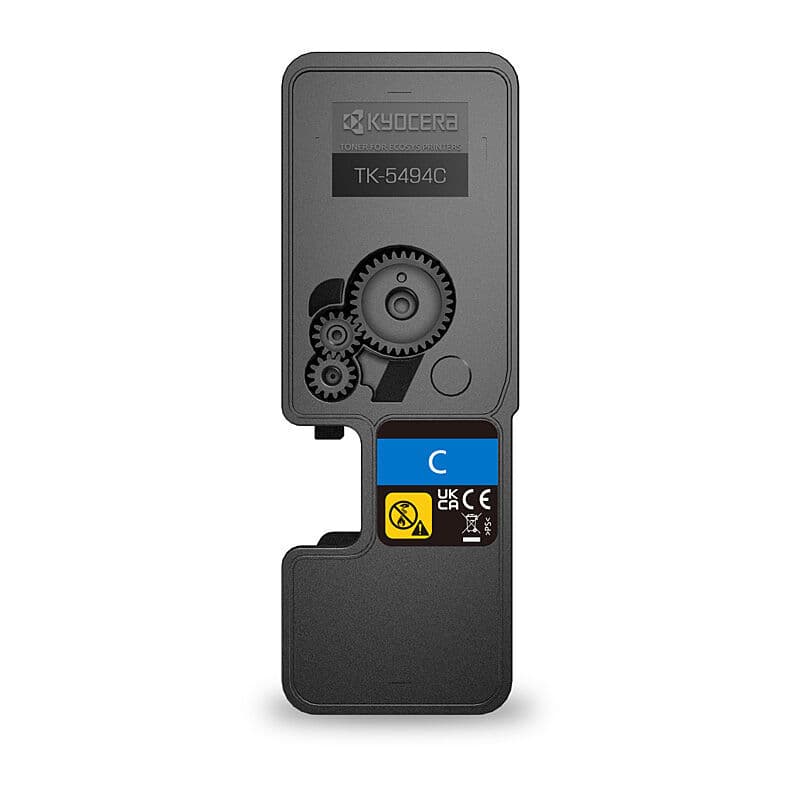
Kyocera
Kyocera TK5494 Cyan Toner
$173.63
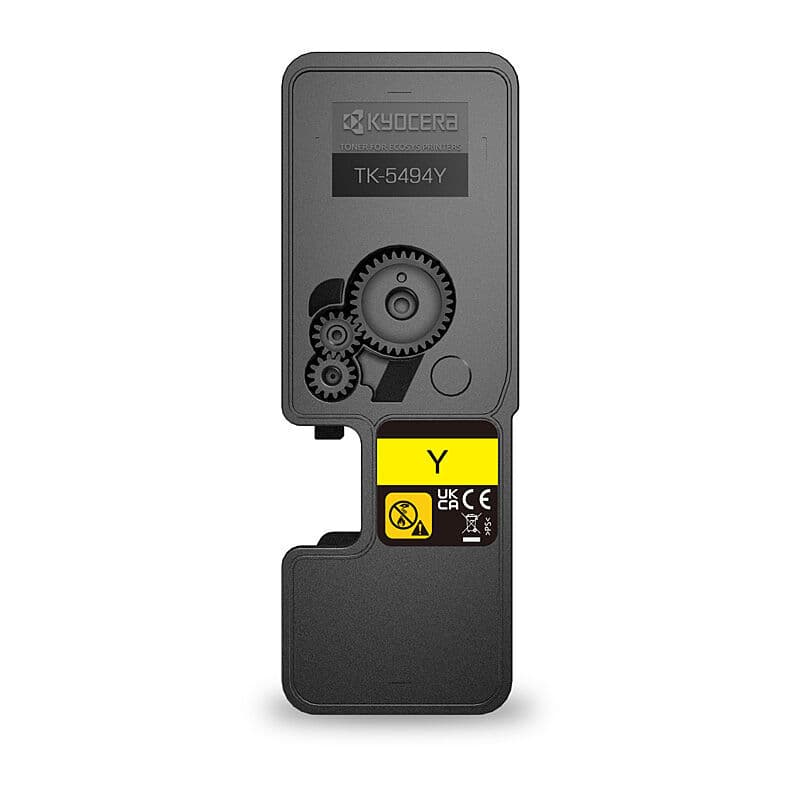
Kyocera
Kyocera TK5494 Yellow Toner
$173.63
Kyocera
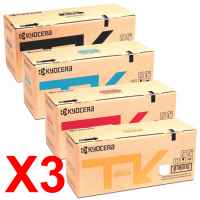
Kyocera TK5394 Black Toner
$233.74
Kyocera
Kyocera TK5394 Cyan Toner
$344.45
Kyocera
Kyocera TK5394 Yellow Toner
$344.45
Kyocera
Kyocera TK5394 Magenta Toner
$344.45
Frequently Asked Questions: Kyocera ECOSYS MA4500cifx
What cartridge does the Kyocera ECOSYS MA4500cifx use?
We stock 13 cartridges for the Kyocera ECOSYS MA4500cifx, from $32.25. Each one is listed below with its model number.
Is there a compatible alternative for Kyocera ECOSYS MA4500cifx cartridges?
Yes. We stock 5 compatible cartridges for the Kyocera ECOSYS MA4500cifx, from $32.25. They're made to work like the original, cost a fraction of the genuine price and carry our 12-month replacement warranty.
Will compatible cartridges void my Kyocera ECOSYS MA4500cifx warranty?
No. In Australia, Kyocera can't refuse a warranty claim just because you used a compatible cartridge. They would have to show that the cartridge itself caused the fault.
How many pages can I print with Kyocera ECOSYS MA4500cifx cartridges?
Page yield varies by cartridge type. Standard cartridges typically print 1,000 to 3,000 pages, while high-yield cartridges can print 3,000 to 10,000 or more. Check individual product listings for specific page yields. Actual results depend on coverage and print settings.
How do I install cartridges in my Kyocera ECOSYS MA4500cifx?
Open the front cover or cartridge access door on your Kyocera ECOSYS MA4500cifx. Remove the old cartridge by pressing the release lever. Unpack the new cartridge, remove the protective seal/tape, and gently rock it side to side to distribute the toner. Insert the new cartridge until it clicks into place, then close the cover.
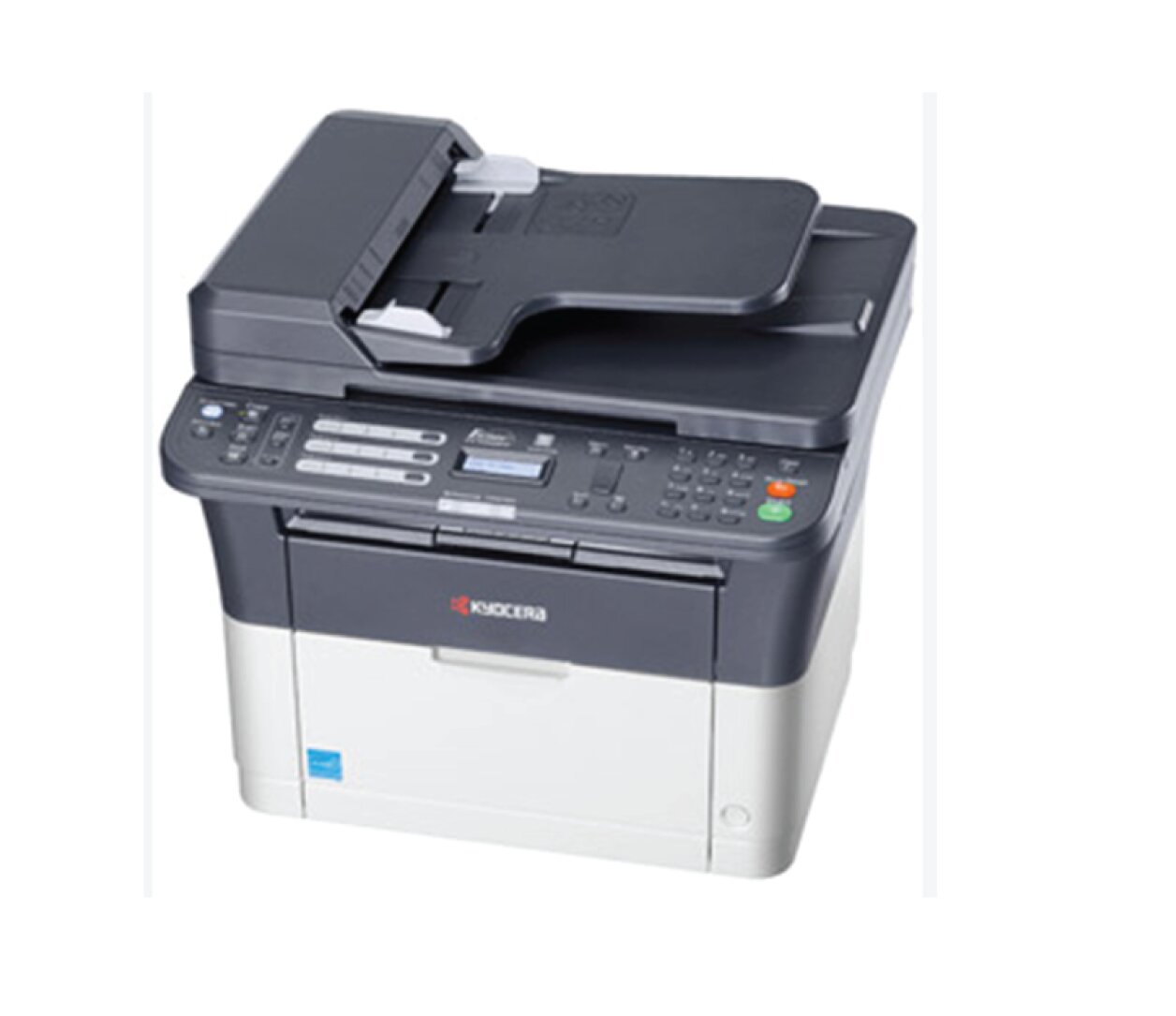
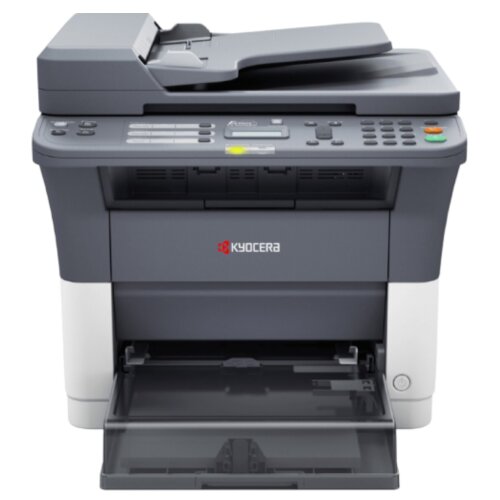
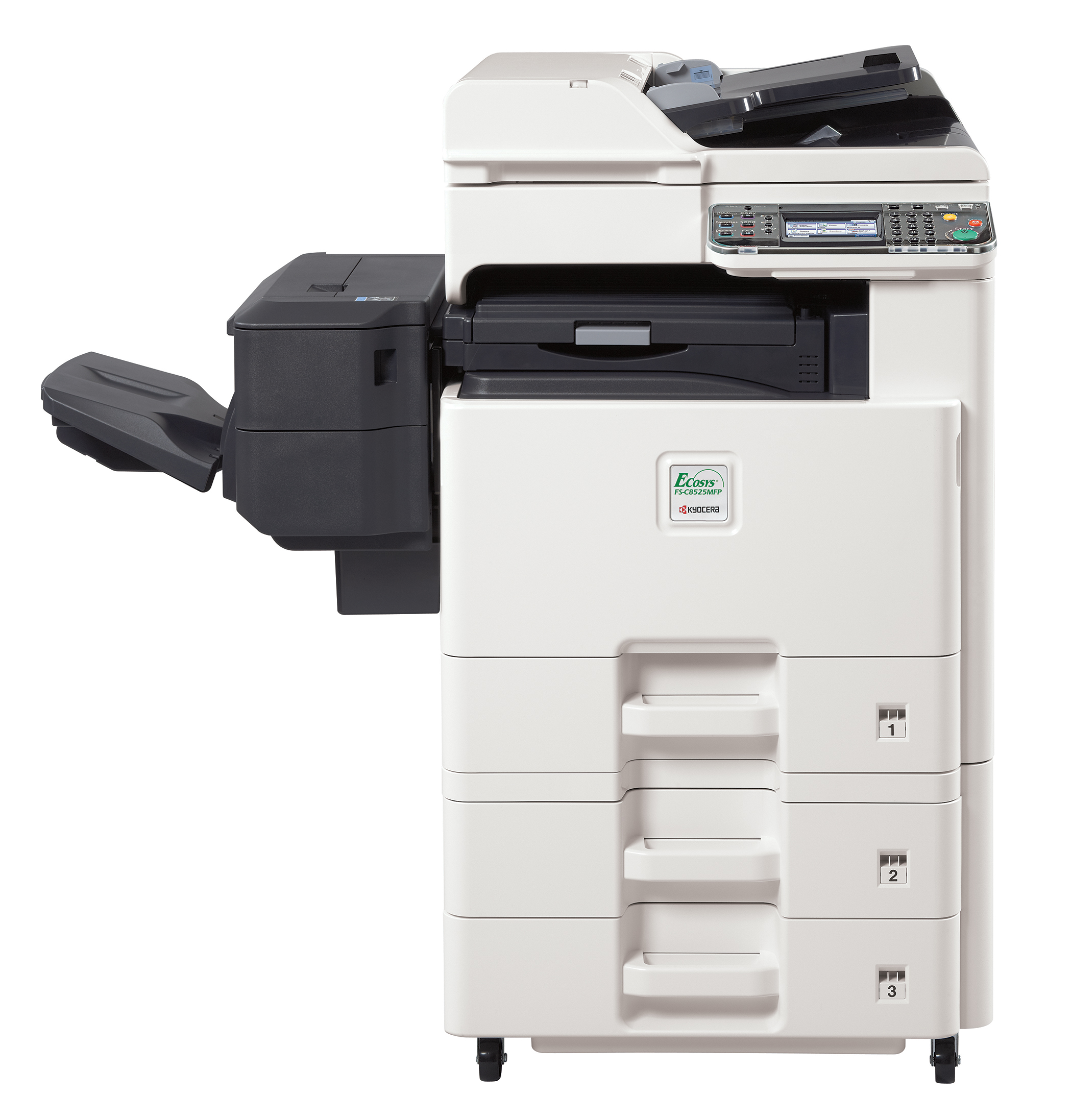
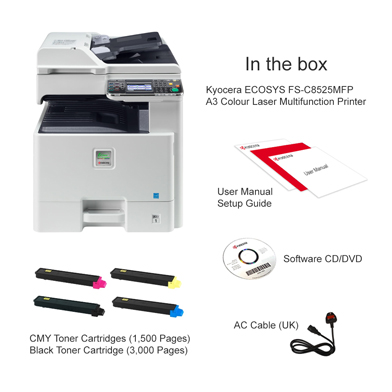
Other Kyocera ECOSYS Printers
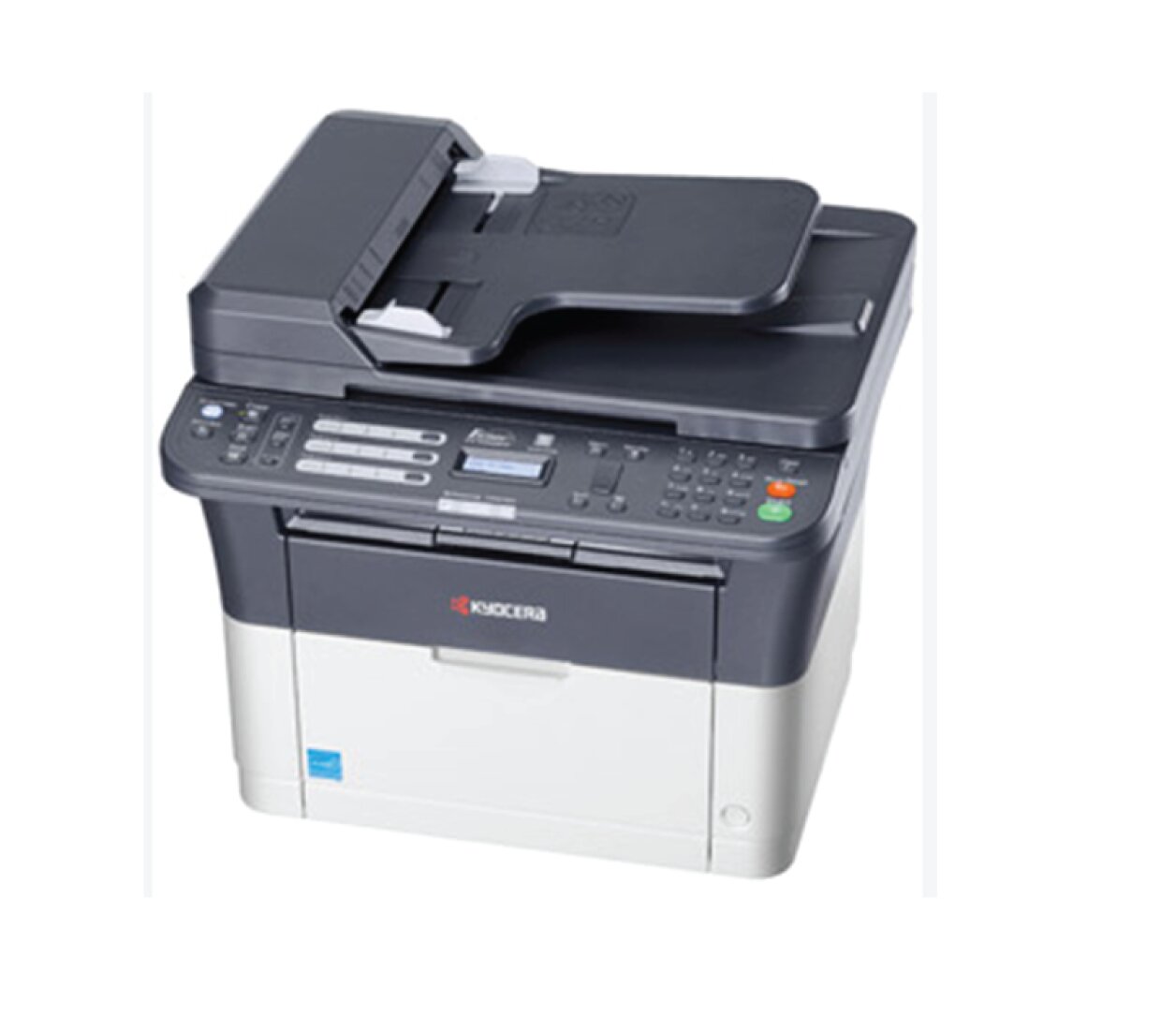
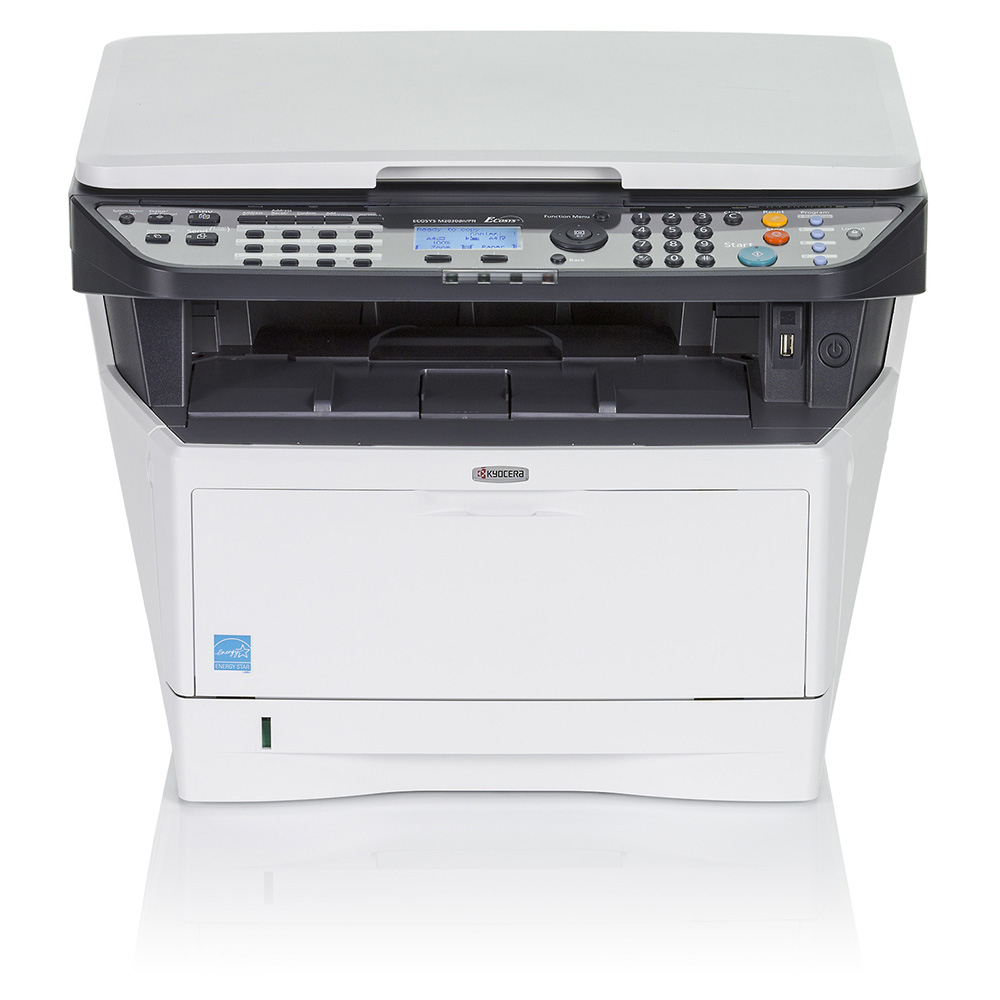
About Kyocera ECOSYS MA4500cifx Cartridges
Need cartridges for your Kyocera ECOSYS MA4500cifx? Every one we stock for it is listed above, with its model number. Our compatibles are made to work like genuine Kyocera cartridges, cost a fraction of the price and carry our 12-month replacement warranty.
Faulty? We'll replace it or refund you. Delivery is $18 anywhere in Australia, or free from $250, dispatched from warehouses in Perth and the eastern states. FetchInk is owned and run in Perth, WA.
Not sure which cartridge you need? Use our Printer Finder tool or contact our friendly team for help.